ZyperOS Guide for the GKD Pixel 2
ZyperOS runs from the GKD Pixel 2's microSD card. This guide connects the main tasks, from your first start to everyday play. Each link opens a guide on this site.
These steps cover ZyperOS 1.0.5. Check your version in MENU > About.
Start here
- Install ZyperOS on the card. A fresh installation erases that card.
- Complete the first-start tutorial.
- Set the time zone in MENU > System > Date & Time.
- Add your games with a card reader, USB cable or Wi-Fi File Transfer.
- Open a system with A, then choose a game.
The first start prepares the card. Later starts use the existing setup. The ZYPEROS partition holds your games, music, saves and settings.
Find the right menu
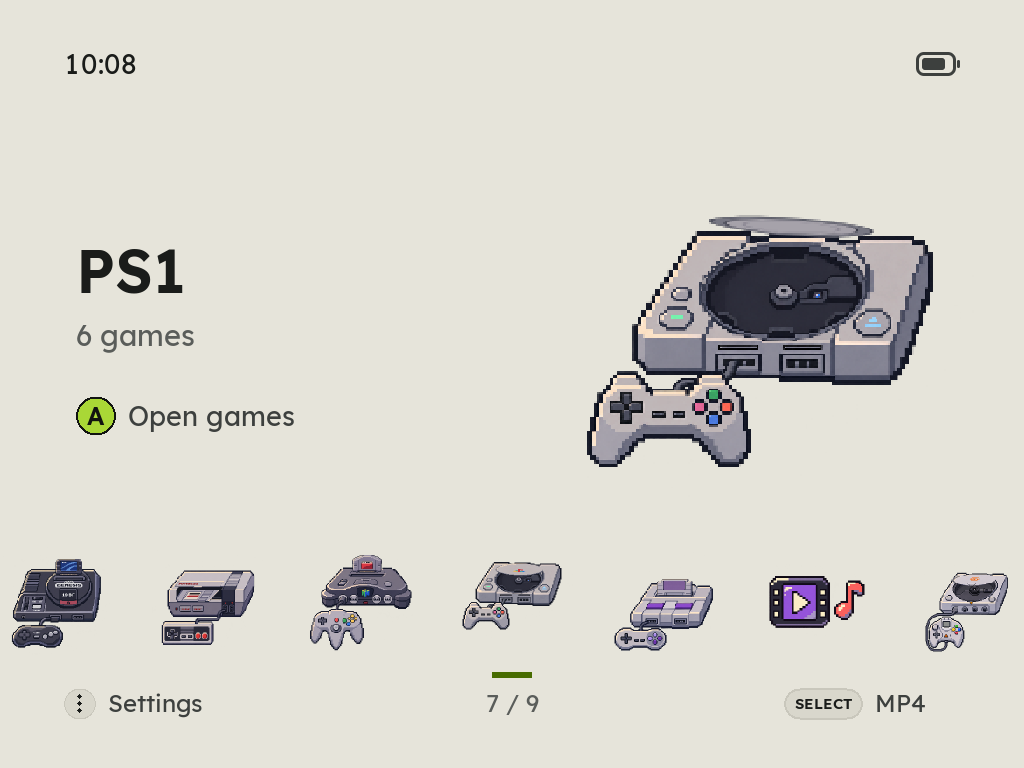
On the home screen, MENU opens six tabs. L1 and R1 change tabs. Inside a system, MENU opens that system's settings. During play, it opens the game's menu.
| Tab | Main tasks |
|---|---|
| Games | Search, play time, random games, achievements and covers |
| Display | Appearance, theme, home screen and shaders |
| Sound | Audio output, button sounds and menu music |
| Connections | Wi-Fi and File Transfer |
| System | Time, language, power, storage and updates |
| About | Version, controls and the tutorial |
Build your game library
The system reference lists all 45 systems, their game folders, file types and emulators. The game library guide explains transfers and library setup. Some systems also need BIOS files.
Add covers and video previews to identify games easily. Set up RetroAchievements for supported games. The PortMaster guide covers ports and their game files.
Make it yours
- Controls and saves: buttons, quick saves, save slots and resume.
- Theme and home screen: ten accents, background tones, corners and automatic light or dark appearance.
- Music, books and videos: file folders, playback and screen lock.
- Player 2: a friend's phone or computer joins an NES game.
- Storage: find large games and remove unwanted files.
- Battery care: charging screen, charge limits, side lights and power use.
The Pixel 2 has no built-in Wi-Fi or Bluetooth. The connection guide explains adapters and USB options.
License and name
ZyperOS is free software under GNU GPL version 3, with the additional terms in NOTICE. These terms cover attribution and trademarks.
The trademark policy permits truthful references and unchanged official builds. It requires a different name and branding when you distribute modified builds. Included programs and other materials keep their own licenses, listed in third-party notices.