PortMaster on the GKD Pixel 2: Setup and Ports
PortMaster brings PC and indie games to Linux handhelds as ports: Stardew Valley, Celeste and many more, each packed with what it needs to run. On the GKD Pixel 2, ZyperOS installs the official PortMaster from its Ports shelf with one press, and runs the ports there. This guide covers installing it, the game files you supply yourself, and what ZyperOS does when a port runs.
On this page
What PortMaster is
PortMaster is a free app, under the MIT license, that downloads and installs game ports on Linux handhelds. Each port carries its own libraries, so it does not change the system it runs on. Most ports of commercial games are not "ready to run": the port is free, but you supply the game's own files from a copy you bought.
PortMaster's list of devices does not name the GKD Pixel 2, though its own FAQ says that list is out of date. Retro Game Corps found PortMaster preloaded on the Pixel 2's stock firmware, and working.
Installing PortMaster on ZyperOS
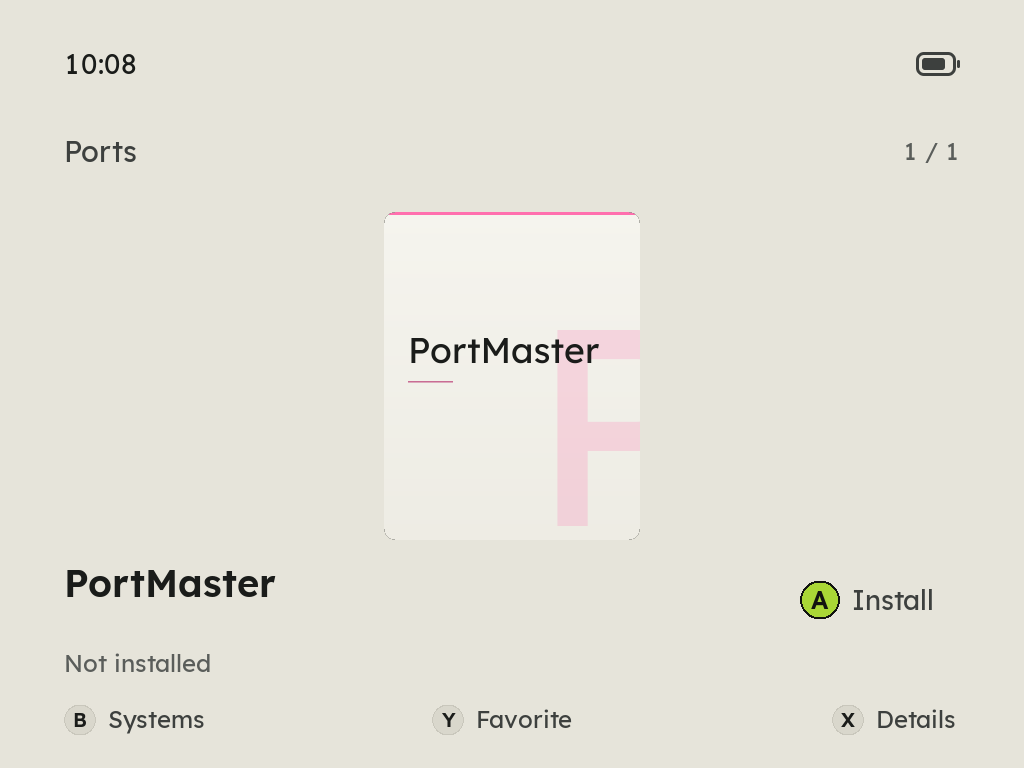
A port is a script, Something.sh, with the port's folder beside it, and PortMaster keeps its own folder, PortMaster/, next to them, all in Roms/Ports. The Ports shelf lists each script there. Until PortMaster is on the card, the shelf holds its entry, which says A Install.
- Connect to Wi-Fi. The Pixel 2 has no radio of its own, so this needs a USB Wi-Fi adapter (see the Wi-Fi guide).
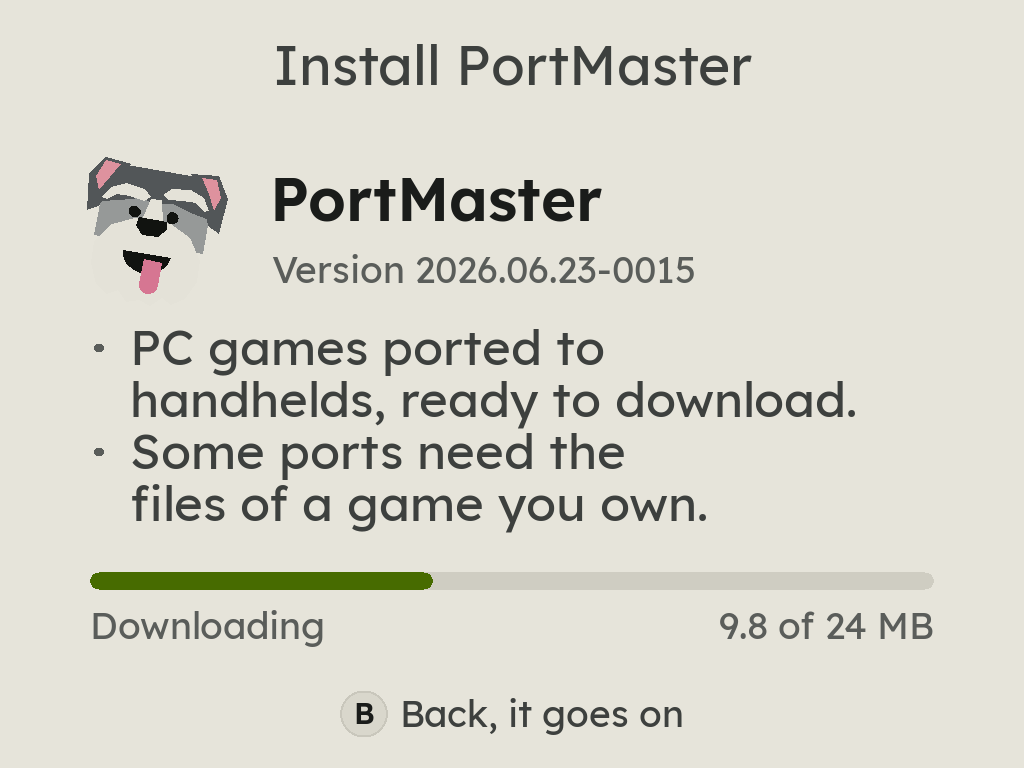
- Open the Ports shelf, press A on PortMaster, then A Install. ZyperOS downloads PortMaster's latest stable release from its GitHub, about 24 MB, checks it against the size and checksums PortMaster and GitHub publish, and unpacks it into
Roms/Ports. Nothing goes in place until all of it checks out. - Press A Open PortMaster. Its first start unpacks its own files and downloads its catalog of ports, which takes a few minutes.
- Pick the ports you want, and add each one's game files where its instructions say, if it needs them. When you leave PortMaster, they are on the Ports shelf.
- To add game files, open File Transfer on the handheld and the page it shows in a computer's browser, go to ROMs > Ports and the port's folder, and drop the files or their folder there. It works over Wi-Fi or the USB cable (see adding games).
PortMaster updates itself from then on, as it does on other systems. ZyperOS's system carries Python 3 and the libraries PortMaster's app runs on; PortMaster itself comes from the PortMaster team, not with ZyperOS.
Ports set up on another system run too: copy its ports folder's scripts and their folders to Roms/Ports. Moving from ROGUE OS? ZyperOS's tools/from-rogue.sh copies a ROGUE OS card's library to a ZyperOS card, ports included.
Stardew Valley and Celeste
Both need the game's files from a copy you own, and both run on 64-bit Arm handhelds such as the Pixel 2.
| Port | The game files you supply | Notes |
|---|---|---|
| Stardew Valley Compatibility | The game's "compatibility" version, from Steam or GOG, copied into the port's gamedata folder | Stardew's own lighter build, for systems that cannot run the normal one. It gets the same content updates. |
| Stardew Valley | The Windows Steam version, not the compatibility branch | Marked experimental. Comes with SMAPI, and some mods can run out of memory. |
| Celeste | The DRM-free version, from itch.io (Linux) or Epic (Windows), copied into celeste/gamedata | The first run takes a few minutes while it compresses the textures to save video memory. |
The Pixel 2 has 1 GB of memory, and a big port like Stardew Valley wants most of it. That is why ZyperOS steps aside while a port runs.
What ZyperOS does when a port runs
- It frees the memory. ZyperOS's emulator, which normally stays loaded so games start at once, is stopped, and so is MP4, so the port has the memory to itself.
- It sets PortMaster up for ZyperOS. PortMaster writes its settings for whatever system it was installed on. Before every port, ZyperOS puts its own
control.txt, graphics settings and per-system file inPortMaster/, so a port copied from another system finds its way on ZyperOS. - The volume keys still work, and MENU with them sets the brightness, with ZyperOS's bar over the port.
- POWER ends the port and then turns the handheld off, as does a battery at 2%. The port is asked to close first, so a game that saves on exit gets the chance.
When the port ends, ZyperOS comes back.
Sources
- ZyperOS README, PortMaster: the Ports shelf and
Roms/Ports; sd/pixel2/launch.sh: how a port runs; res/portmaster/: ZyperOS's PortMaster files; tools/from-rogue.sh. - ZyperOS: res/portmaster/pm-install.py, the installer, and plastron's ZyperOS configuration: Python 3 and SDL2_mixer for PortMaster.
- PortMaster: its FAQ, installation page, license, its app, pugwash (Python 3), its stable release 2026.06.23-0015 and the
version.jsonits releases carry, and its device list, read 7 November 2026. - The ports, in PortMaster-New at 8f0e600: stardewvalley, stardewvalleymainline, celeste; and Stardew Valley's compatibility page.
- Retro Game Corps, February 2025: PortMaster preloaded on the stock firmware.